How to Choose a Cannabis CRM: 10 Questions to Ask Before You Buy
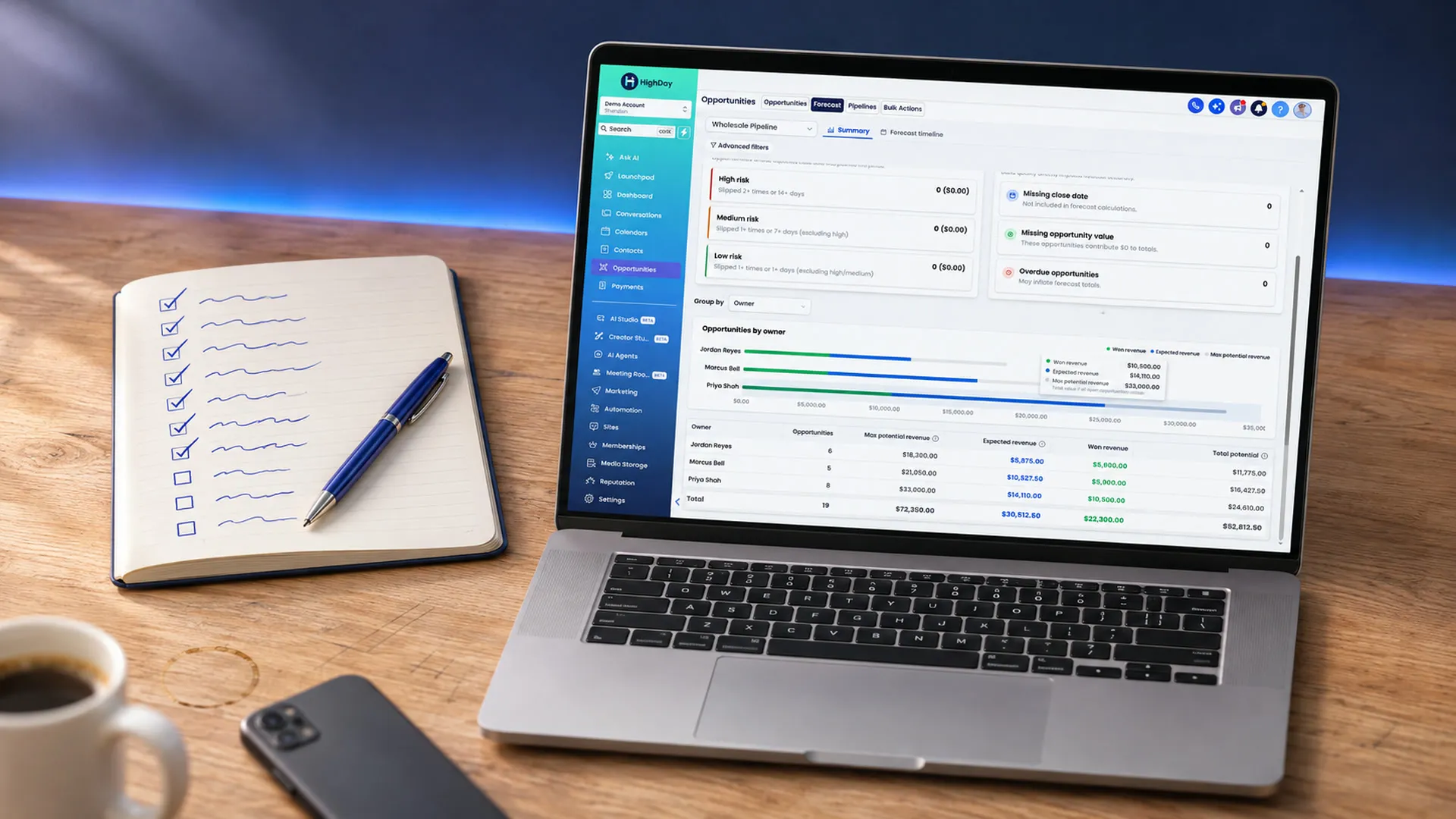
To choose a cannabis CRM, start with who you sell to. Brands and ancillary companies need a CRM built around store accounts and buyers. Dispensaries need one built around shoppers and loyalty. Then check three things: how it connects to your wholesale and seed-to-sale tools, how the price grows with your team, and how you get your data in.
The ten questions below are written for brands, cultivators, processors and ancillary companies that sell to licensed stores. Take them into every demo. At the end you’ll find how HighDay answers each one, including the places where the answer is no.
New to the topic? Start with what a cannabis CRM is and what a brand needs from one.
1. Is it built for selling to stores, or selling to shoppers?
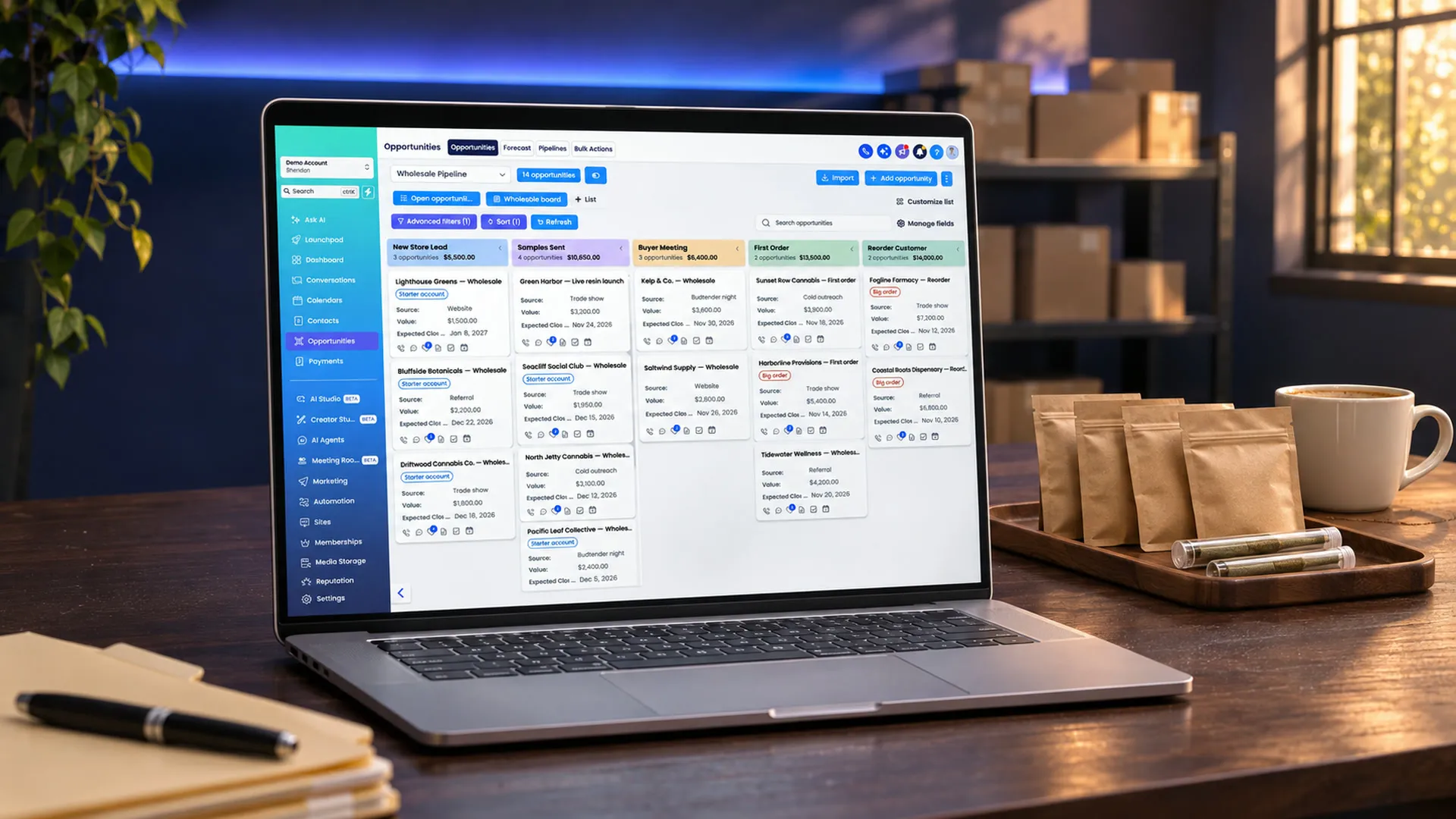
A retail CRM tracks people who buy at a counter: purchase history, points and text opt-ins. A brand CRM tracks businesses: dispensaries, their buyers and their orders. Both get called a “cannabis CRM,” so ask which one you’re looking at.
Ask the vendor: “Show me a store account with its buyers, open deals and order history on one screen.”
2. Can one buyer belong to several stores?
Buyers for multi-store groups place orders for more than one location. If the CRM makes you create the same buyer once per store, your contact list fills with copies, and one email can reach the same person three times.
A good answer: one contact record, linked to every store that person buys for.
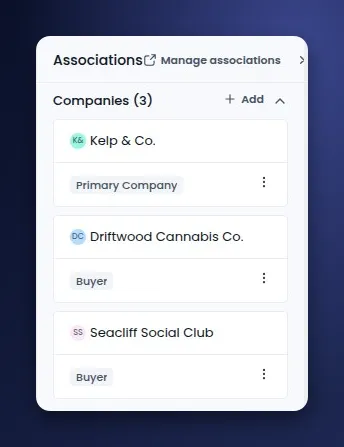
One buyer in HighDay, linked to three stores. He is the buyer at two of them.
3. Does it keep license numbers and store details on the account?
You’ll want the state license number, the address and the store’s current brands on each account. License numbers also make it easier to match records when you import a list or connect a data source.
Ask the vendor: “Where does the license number live, and can I import it from a spreadsheet column?”
4. Does it connect to your wholesale and seed-to-sale tools?
Your CRM should know when a store orders. If you sell on a wholesale marketplace like LeafLink or run an ERP, ask how orders and accounts reach the CRM, and how often.
Remember that a CRM does not replace state track-and-trace systems like Metrc. It should share data with the tools that handle compliance.
Ask the vendor: “Which of my tools are connected today, and what happens with a tool you don’t list?”
5. How does the price grow?
This is where CRM bills surprise people. Ask how the vendor counts four things:
- Seats. Is each rep, manager and assistant an extra charge?
- Contacts. Do you pay more as your buyer and prospect list grows?
- Email. How many emails a month are included, and what happens past that?
- Setup. Is there a required onboarding fee, and what does it cover?
For example, HubSpot’s Sales Hub pricing page charges per seat and lists a required one-time onboarding fee on its Professional plan.
A good answer: a price you can write down for next year, with your planned team size and list size.
6. Does the vendor accept cannabis and hemp businesses?
Some email and texting services limit cannabis and hemp content in their acceptable use policies. A CRM that sends your email through one of those services can suspend a campaign or an account.
Ask the vendor: “Is a cannabis or hemp business allowed under your acceptable use policy? Please send me the section.”
7. Can your reps use it in the field?
Reps spend their days in stores. If updating the CRM means waiting until they’re back at a laptop, notes get lost.
A good answer: a phone app with contacts, notes and conversations, so a rep can log a visit in the parking lot.
8. Can it run budtender trainings and events?
Budtenders recommend the products they know. Trainings, product drops and store events are a big part of how a brand sells through. Ask whether the CRM can book them, track who came and follow up, or whether you’ll need separate tools for courses and tickets.
9. Can you change it without a developer?
Your sales process will change. New stages, new fields, a new report for the owner. Ask who makes those changes and how long they take.
Ask the vendor: “Show me how I would add a field and a new automation myself.”
10. How do you get your data in?
Ask what the vendor imports, how it maps your spreadsheet columns, and whether a person will help you move.
If you use HubSpot today, ask whether there’s a direct importer and what it leaves behind. Our HubSpot switching guide lists what moves and what you rebuild.
Ask the vendor: “How would I export my data if I ever left?”
Watch for these red flags
- The demo only shows dispensary loyalty screens, and you sell to stores.
- The vendor can’t tell you next year’s price for your team size.
- “Compliance” is part of the pitch, but the CRM doesn’t connect to the systems that do the compliance work.
- Changes to stages, fields or automations go through a support ticket.
How HighDay answers these 10 questions
| Question | HighDay’s answer |
|---|---|
| 1. Stores or shoppers? | Both, on separate plans. Brands & Ancillary is for companies that sell to stores. Dispensaries is for licensed retail. |
| 2. One buyer, several stores? | Yes. Link one buyer to each store they buy for, with the label Buyer. |
| 3. License numbers on the account? | Yes. Store accounts are company records with a state license number field, and you can map it from a spreadsheet column on import. |
| 4. Wholesale and seed-to-sale tools? | LeafLink, Canix and GrowFlow are connected, plus CannaSpyglass for license lists and owner contacts. Any other tool with an API or an MCP server connects when you ask in chat. HighDay does not replace state track-and-trace. |
| 5. How does the price grow? | Brands & Ancillary is $297 a month plus a $297 one-time setup fee, with 25,000 emails a month. |
| 6. Cannabis and hemp allowed? | Yes. HighDay is built for cannabis and hemp companies. |
| 7. Field use? | Yes. The HighDay app for iPhone and Android has contacts, notes and conversations, and it scans tickets at events. |
| 8. Trainings and events? | Yes. Courses for budtender training, and events with tickets and RSVPs. |
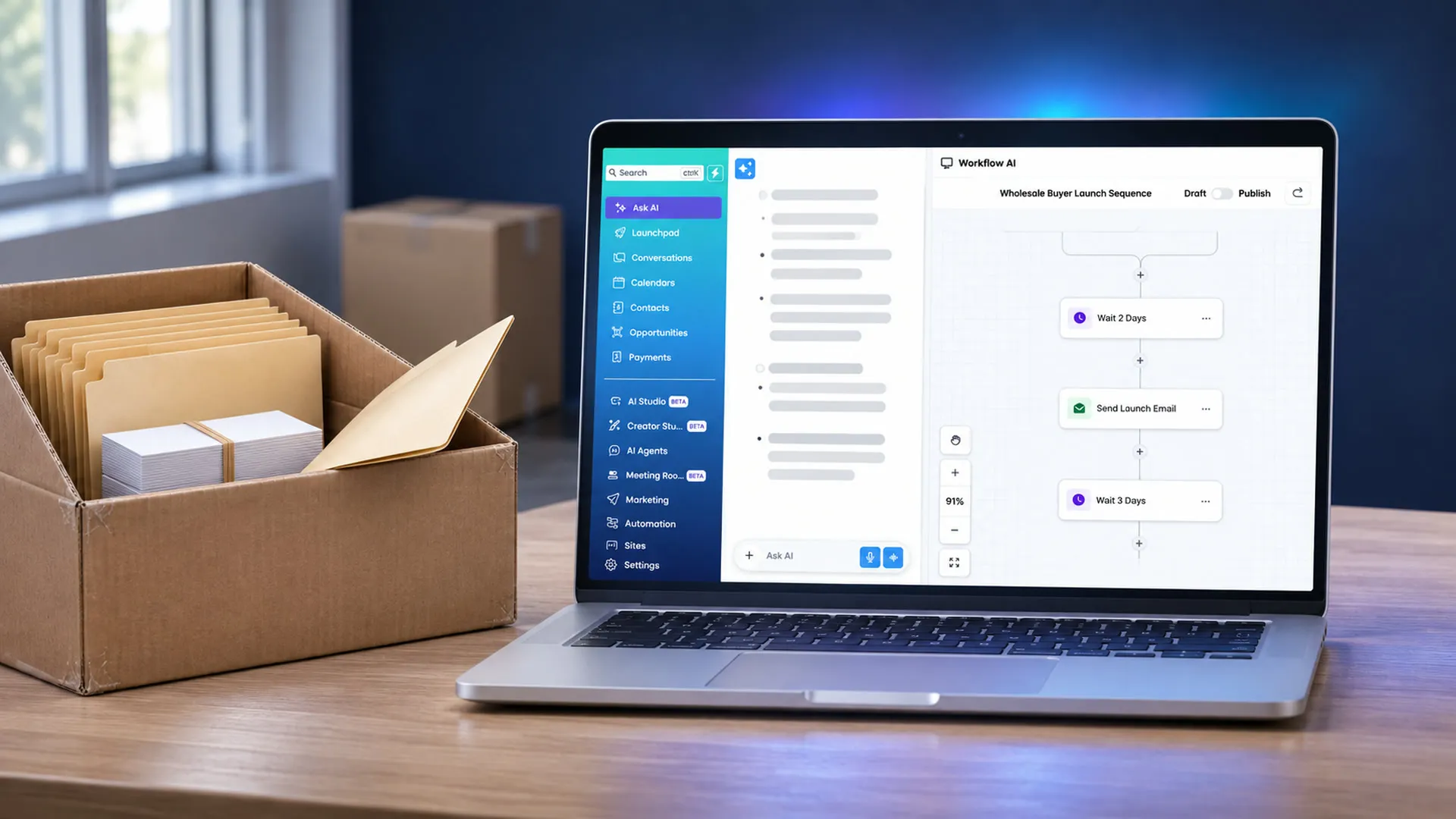
| 9. Changes without a developer? | Yes. Ask AI changes the CRM from a chat and shows an approval card first. AI Studio builds apps from a plain-English description. |
| 10. Getting data in? | Spreadsheet import with column mapping, a direct HubSpot importer, and help from our support team. |
| Can brands text buyers? | Not right now. Texting is part of the dispensary plan. Brands reach buyers by email, chat, social posts and events. |
See it for yourself. Try HighDay for 14 days for $4.20, then $297 a month on the Brands & Ancillary plan. See plans, watch the demo or book a call.
Frequently asked questions
What should a cannabis CRM cost?
It depends on how the vendor counts seats, contacts and email. Get a written price for next year at your planned team and list size before you compare. HighDay’s Brands & Ancillary plan is $297 a month plus a $297 one-time setup fee.
Do I need a cannabis-specific CRM?
You can run a brand on a general CRM. A cannabis CRM saves the setup time for store accounts, license fields and buyer links, and the vendor already accepts your industry.
What’s the difference between a cannabis CRM and seed-to-sale software?
Seed-to-sale software tracks plants and packages for state compliance. A CRM tracks the stores and buyers you sell to and the follow-up with them. Most brands need both, and the two should share data.
How long does it take to switch CRMs?
The import is the quick part. Plan most of your time for checking records and rebuilding your automations. Pick one workflow, such as reorder reminders, and get it right first. Our step-by-step switching guide walks through a full move from HubSpot.